Portal solution
Create a client portal
for monday.com
Turn your monday.com workspace into a client portal
where clients can access updates, files, and
communication in one clear space.
Looking for another solution? See how a client portal builder
can be used for different monday.com portal use cases.
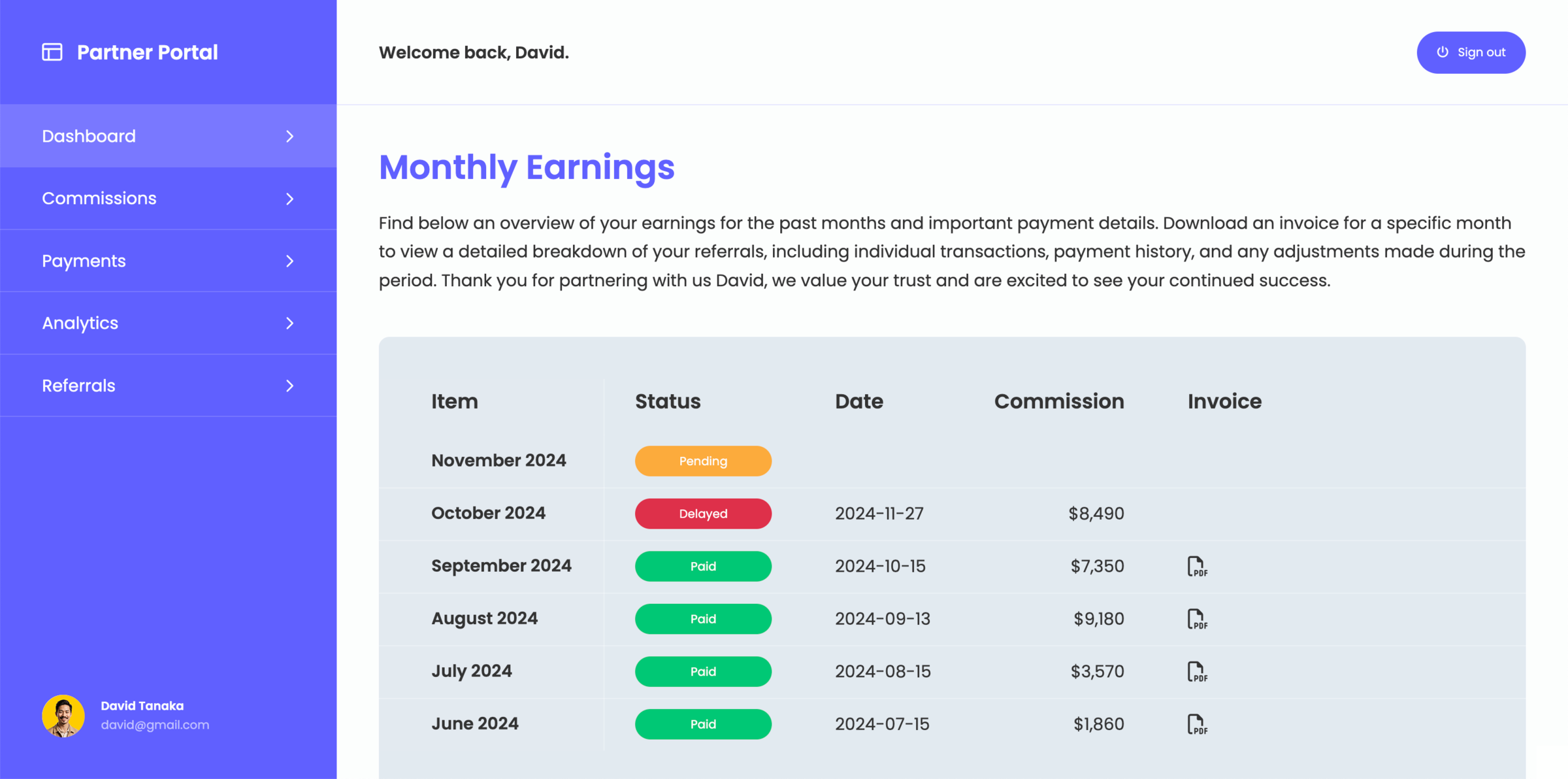
What is a client portal for monday.com?
A client portal for monday.com is a structured interface that allows you to share selected data from your workspace with external users without exposing your internal setup. Instead of inviting clients directly into boards, information is presented in a controlled and simplified way. Clients get a clear view of project updates, files, dashboards, and communication, all organized around what they need to see.
When does a monday.com client portal become useful?
A monday.com client portal becomes useful when you regularly share information with clients and need a consistent way to present it. As projects grow, sharing updates through boards, emails, and files becomes harder to manage. Learn how to create a client portal where clients can access everything without needing guidance or access to your internal workspace.
What you can share through a client portal for monday.com
A client portal can be tailored to the type of information your clients needs to see and interact with from monday.com:
- Project updates and status
- Dashboards and reports
- Files and deliverables
- Communication and feedback
Why not share your monday.com workspace directly with clients
While monday.com allows you to invite guests and share boards, it is designed for internal collaboration and not meant to be shared.
As more clients are added, it becomes harder to control what is visible and how information is structured. A client portal creates a dedicated layer where information is presented in a consistent and easy-to-understand way, without exposing internal workflows.
Build your client portal directly on monday.com
Create a client portal that fits your workflow and share the right information with clients without changing how you work inside monday.com