Client Portal Builder
How to choose the right
Client Portal Builder
Find the right client portal builder to give clients structured
access to selected updates, files, and shared information.
Learn what a client portal builder is, what to look for, and
how monday.com fits into your client portal setup.
What is a client portal builder?
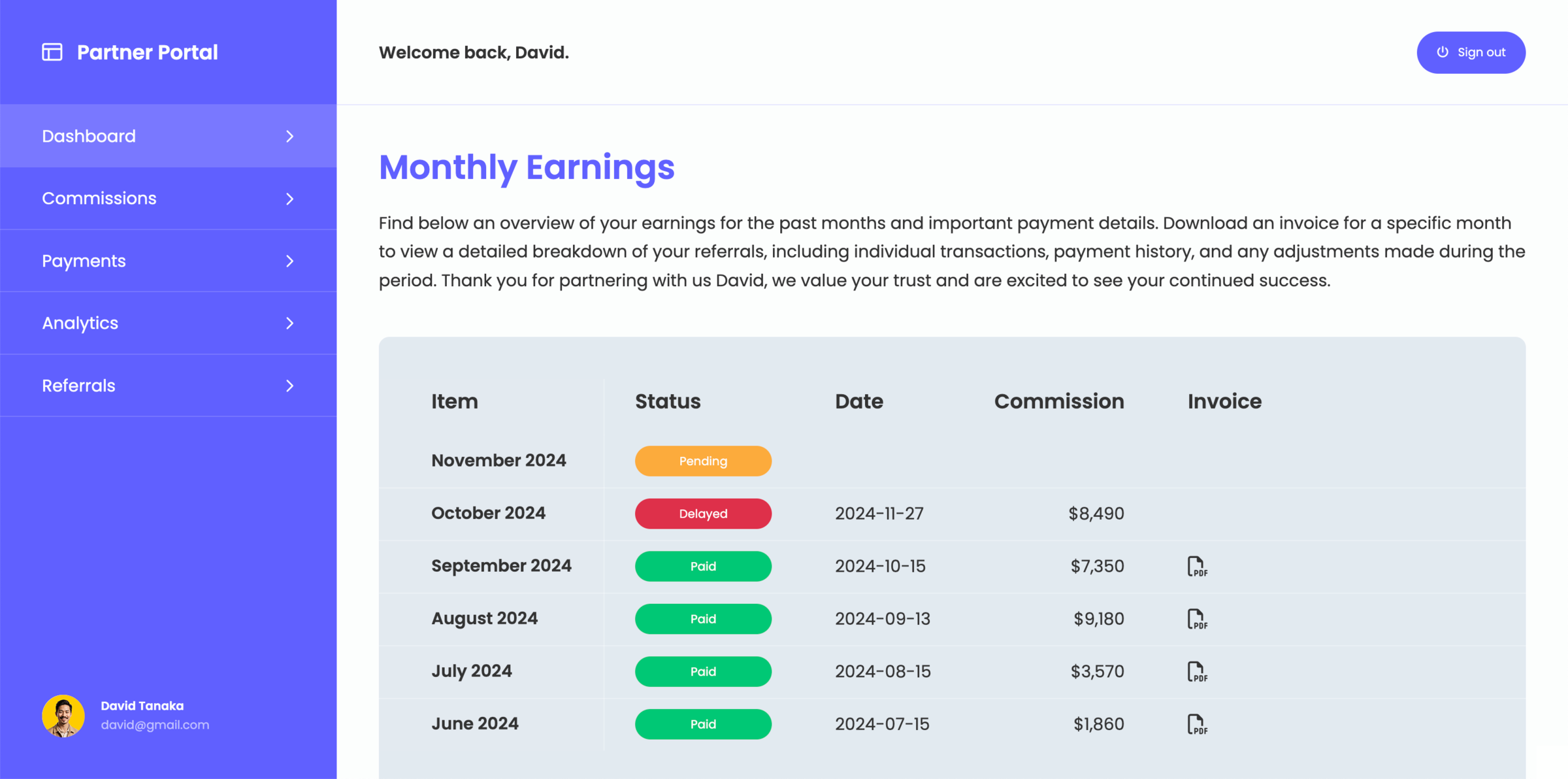
A client portal builder is a tool that allows you to create a client portal with a structured interface where clients can access selected information such as updates, files, and communication. Instead of sharing internal tools directly, a client portal builder adds a layer that controls how data is presented and accessed by external users.
When to use client portal builder?
- When you work with multiple clients
- When you need to share updates regularly
- When you want to avoid scattered communication
- When you need more control over what clients can see
What to look for in a client portal builder for monday.com
Not all client portal builders are designed to work with operational tools like monday.com. When choosing a solution, look for:
- Flexible data visibility and permissions
- Real-time sync with your internal systems
- Structured and customizable client-facing views
- Support for interaction such as comments or updates
- The ability to scale across multiple clients
How monday.com fits into a client portal builder
If you are already using monday.com, your workflows and data are already structured. A client portal builder should extend this setup by controlling how data is shared externally, without requiring duplication or rebuilding your processes. Instead of replacing your tools, the right approach is to add a layer that connects directly to your existing boards and workflows. Choosing the right solution depends on how closely the monday.com client portal integrates with your workflows and how much control it gives you over client access.
Create your client portal directly on monday.com
Create a client portal that fits your workflows and share the right information with clients without exposing your internal workspace.