Compare solutions
Compare solutions for client
portals on monday.com
Compare Client Portal Builder with Softr, Lucie UP, and monday
vibe for sharing monday.com data with external users.
Client Portal Builder for monday.com vs Softr
Compare a purpose-built monday.com client portal with a general no-code platform that requires external setup and customization.
Client Portal Builder for monday.com vs Lucie UP
Understand the differences between a dedicated client portal solution and alternative approaches to sharing monday.com data.
Client Portal Builder
vs monday vibe
Compare a dedicated monday.com client portal solution with monday vibe, the native AI no-code builder for custom, vibe-coded monday.com apps.
Choosing the right way to share your monday.com data
There are different ways to share information from your monday.com workspace and boards with clients and external stakeholders in a monday.com client portal.
Some approaches rely on general tools or custom setups, while others are built specifically for creating structured portals. As your requirements grow, differences in setup time, flexibility, and user experience become more important. Comparing options helps you choose the right portal solution for monday.com that fits your workflow and scales with your needs.
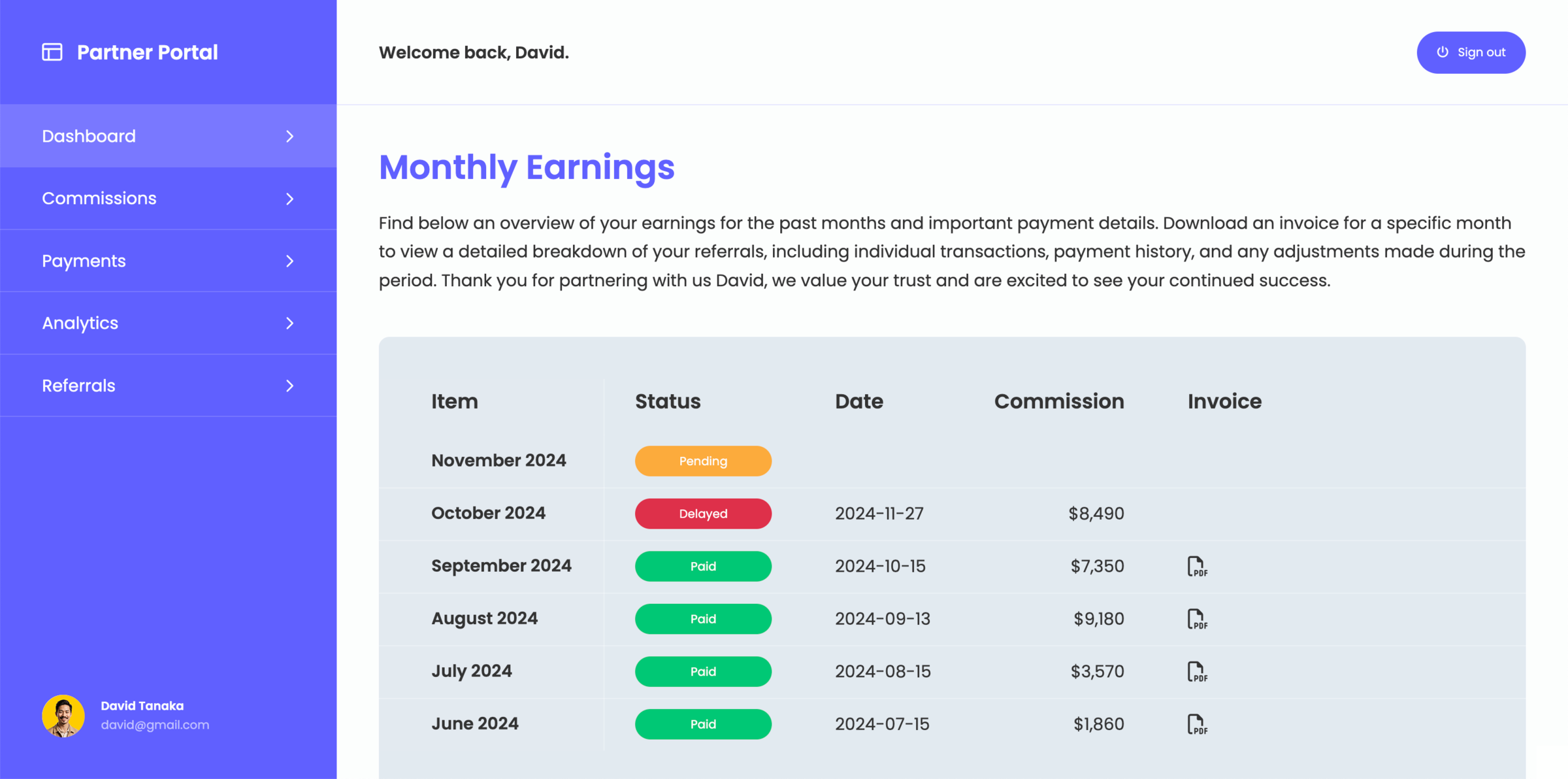
Start building your client portal for monday.com
Create a structured client portal directly on top of your monday.com workspace and share information in a controlled way.