The reason why we've taken a liking to the Client Portal Builder is that we wanted to display information from monday.com in a way that is easier on the eye to our clients.
Client Portal Builder
Create secure, branded client portals connected
directly to the boards, files and workflows
you already manage in monday.com.
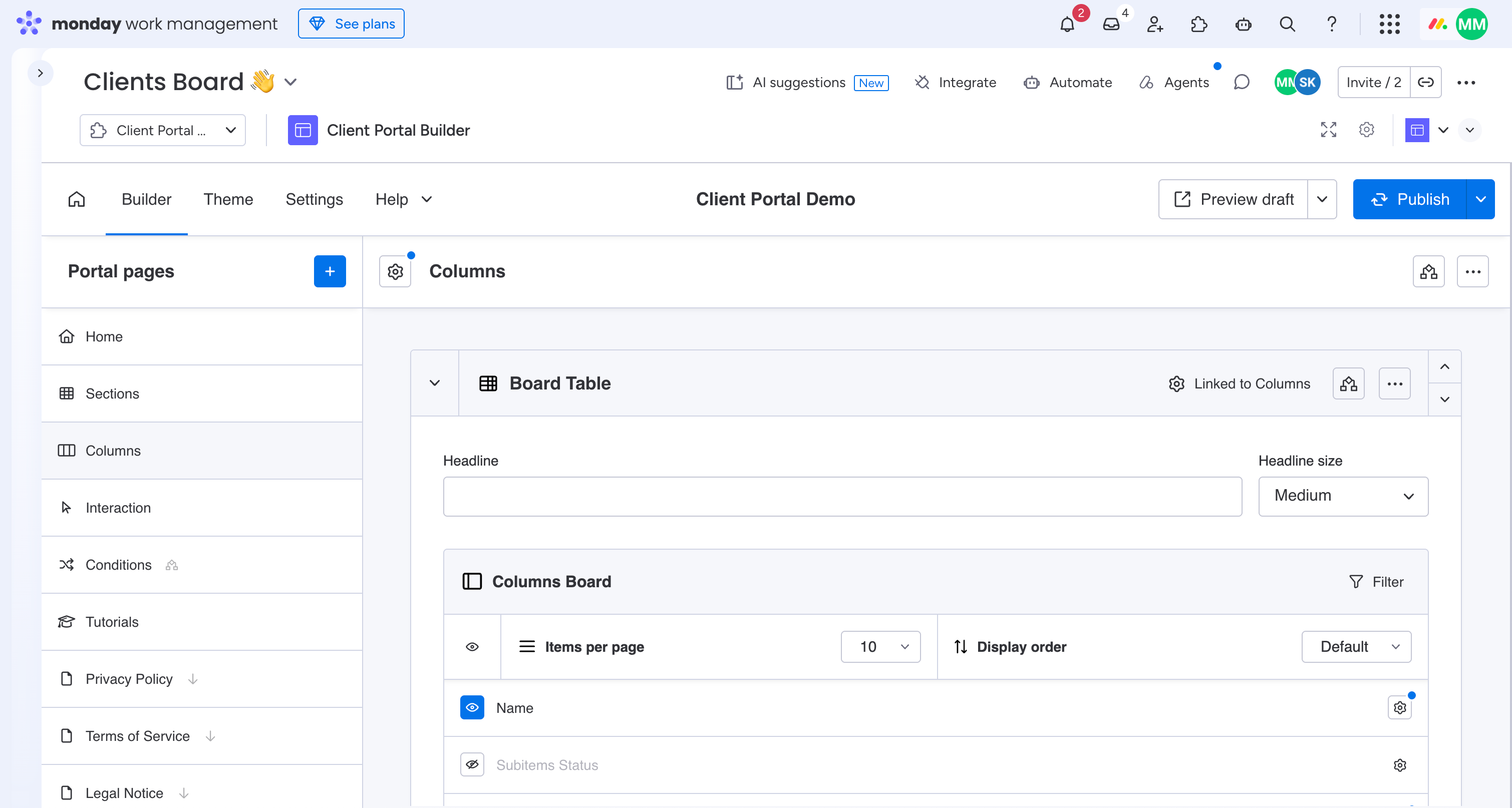
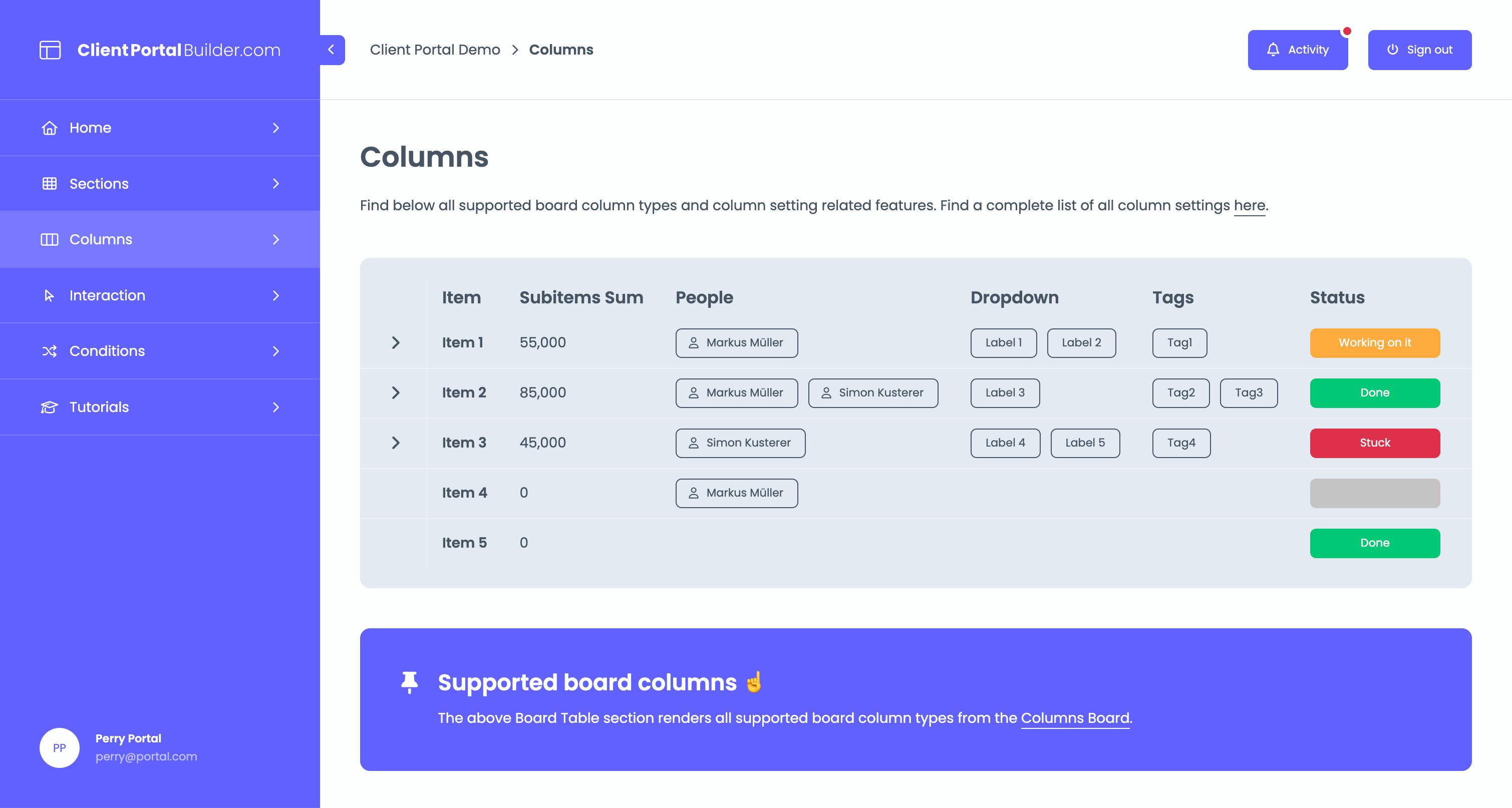
Client Portal Builder for monday.com adds a dedicated, easy-to-use client-facing layer to your existing monday.com workspace. Your team continues managing projects, tasks and information in monday.com while clients sign in to a separate portal where they only see the updates, files, conversations and actions relevant to them. Everything stays connected to monday.com without maintaining a separate client database or duplicating your existing workflows. Explore the complete product on Gorilla Apps
How it works
Step 1
Use the boards and workflows you already manage in monday.com as the source for your client portal.
Step 2
Choose which board items, columns and information each client can access in their portal.
Step 3
Give clients separate portal access to the updates, files and interactions you want to share.
Built for monday.com
Client Portal Builder is designed specifically around monday.com. Your team keeps working in the workspace it already knows while clients interact with a dedicated external portal connected to the same information.
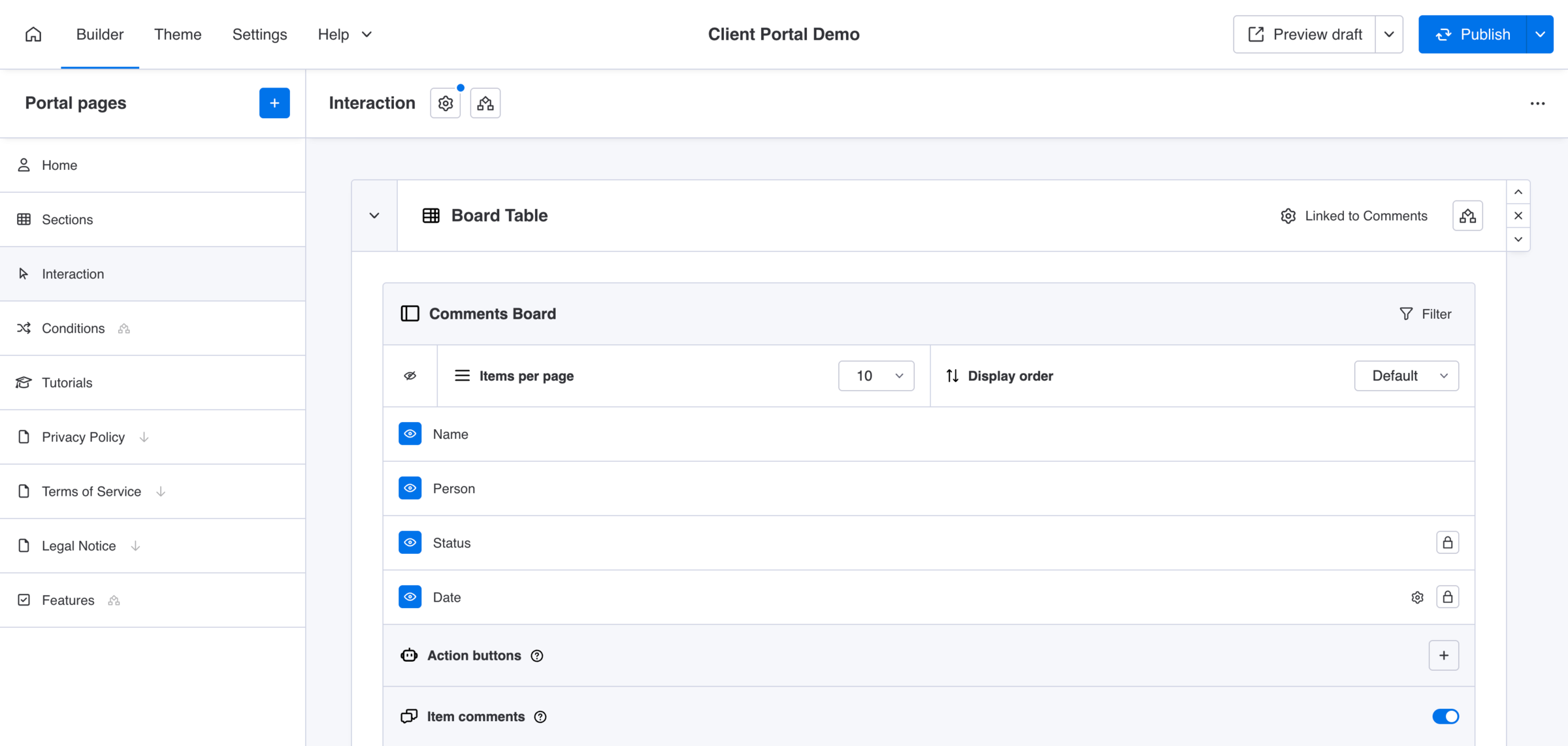
Show each client only the projects, items and information relevant to them in their secure client portal.
Let clients update selected information, upload files, provide feedback and trigger actions from their portal.
Keep client facing information connected to the monday.com boards your team already manages internally.
Exchange messages, comments and files between clients and your team directly through the portal.
Connect client activity with monday.com automations and workflows to keep internal processes moving.
Customize the portal with your company branding, colors, logo and your own connected domain.
See it in action
Explore a live Client Portal Builder demo from a client's perspective and see how monday.com data, files and interactions can be presented in a dedicated external portal.
The reason why we've taken a liking to the Client Portal Builder is that we wanted to display information from monday.com in a way that is easier on the eye to our clients.
What we like about using a client portal is that it gives our clients a clear and structured view of their projects without exposing how we manage things internally.
We started using a client portal because sharing updates through emails became a total mess, and we needed a way for clients to see their progress anytime.
See the complete product, explore client portal solutions by industry
and demos, review pricing and access the full Client Portal
Builder documentation and guides on Gorilla Apps.