Portal solution
Create a project portal
for monday.com
Turn your monday.com workspace into a project portal where
stakeholders can access timelines, deliverables,
and project progress in one clear place.
Looking for another solution? See how Client Portal Builder
can be used for different monday.com portal use cases.
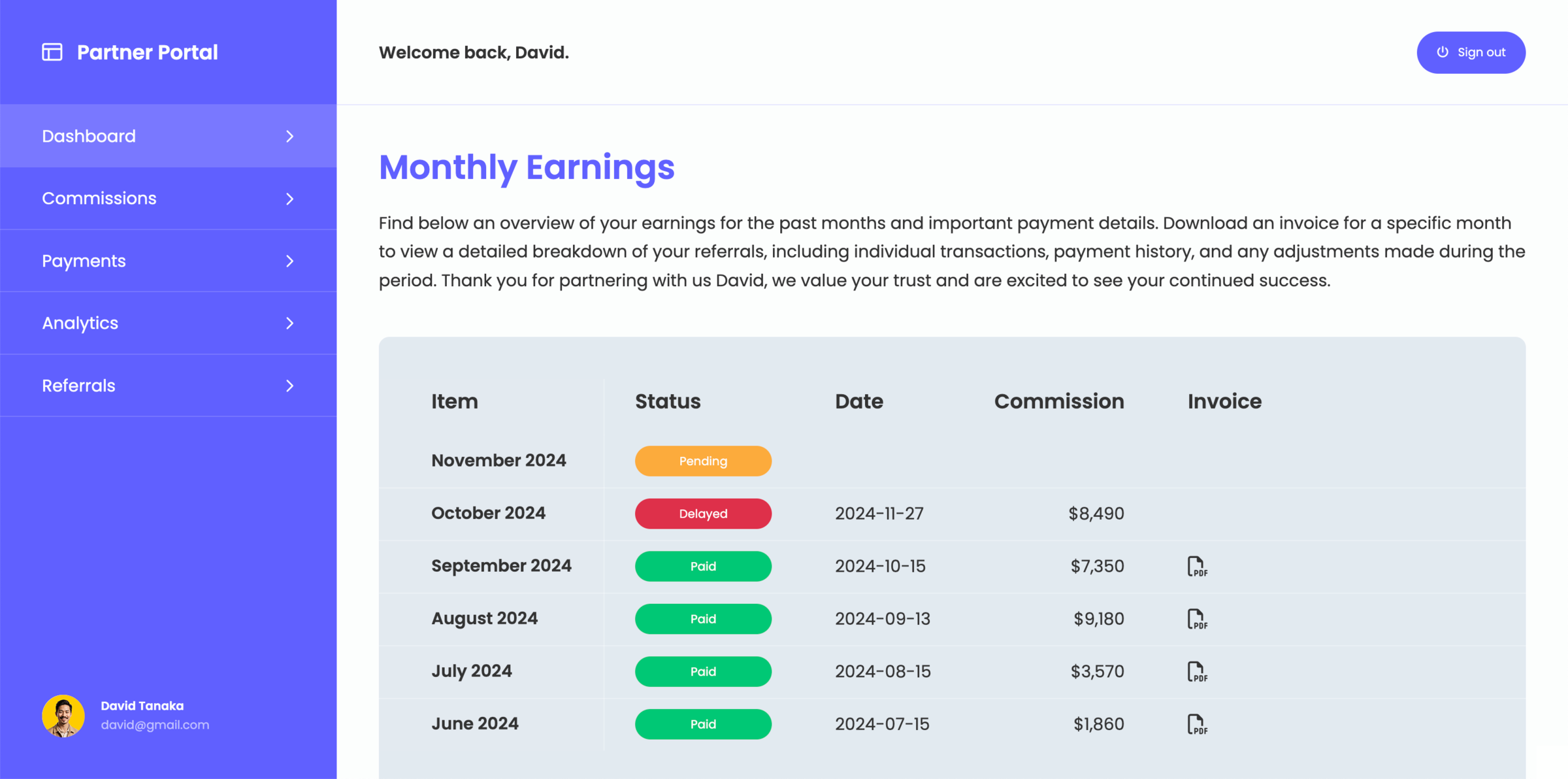
What is a project portal for monday.com?
A project portal for monday.com is a structured interface that allows you to share selected project data with external stakeholders without exposing your internal workspace. Instead of giving direct access to boards, information is presented in a simplified and controlled way. Stakeholders and collaborating users can follow timelines, track progress, and access relevant project information in one place.
When does a monday.com project portal become useful?
A project portal becomes useful when you manage projects that require regular updates and visibility for external stakeholders. As projects grow in complexity, sharing progress through emails or scattered updates becomes inefficient. A portal creates a single place where stakeholders can stay aligned and follow project developments without needing access to your internal setup.
What you can share through a project portal for monday.com
A project portal can be tailored to your project workflows and display only relevant information for your stakeholders:
- Timelines and milestones
- Deliverables and progress updates
- Project dashboards and key data
- Files and related resources
Why not share your monday.com workspace and boards directly
While monday.com allows you to share boards and invite external users, it is designed for internal collaboration and not for simplified project visibility.
As more stakeholders are involved, it becomes harder to control what is visible and how information is presented. A project portal creates a dedicated layer where project information is organized in a clear and consistent way, without exposing internal workflows.
Build your project portal directly on monday.com
Create a structured project experience for stakeholders without changing how your team works inside monday.com.